The Top 10 UI/UX Errors That Could Reduce Website Conversions

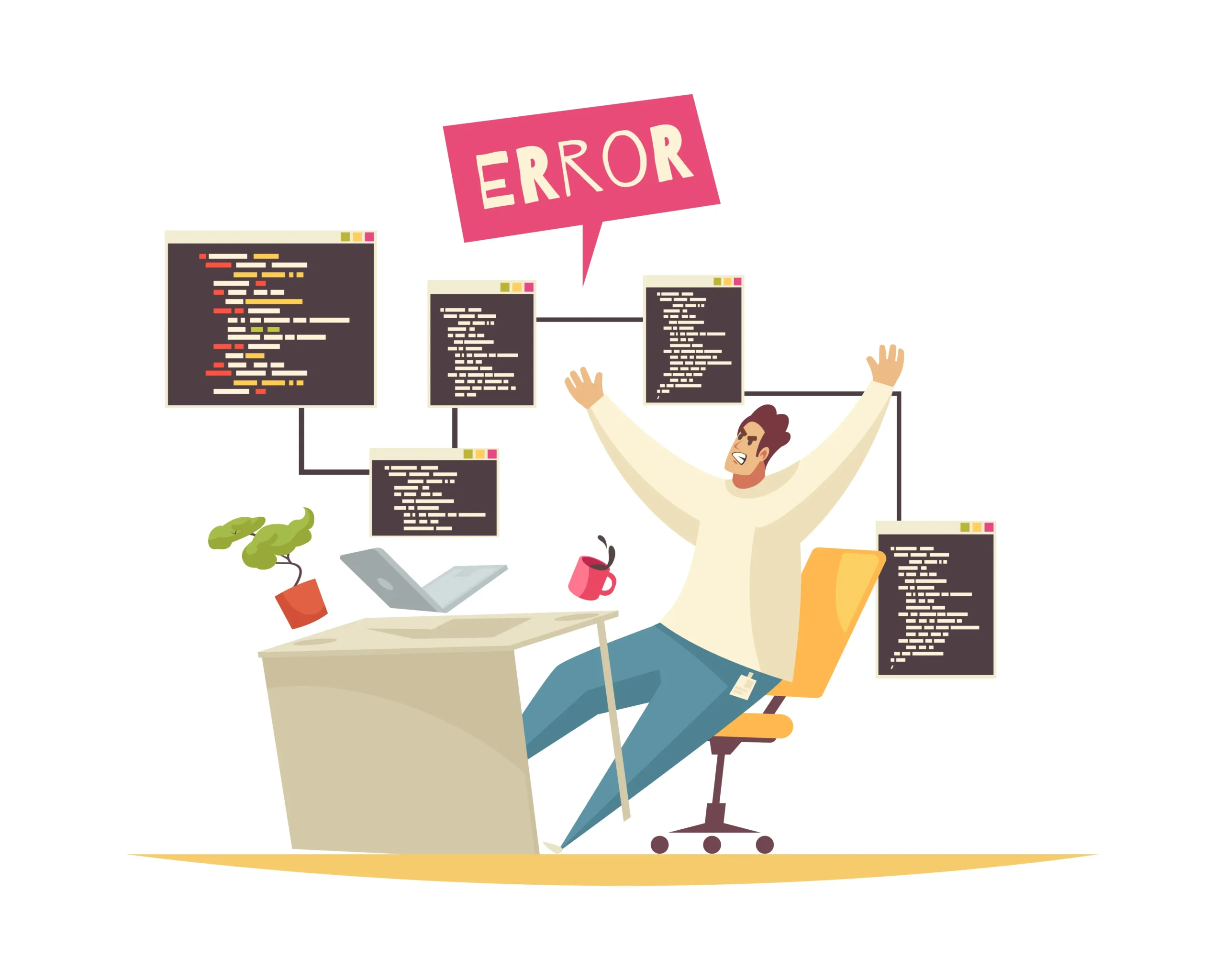
Your website can shine with a great UI/UX, but even minor errors can subtly hurt conversions. These typical problems might not seem like much, but they have a big impact on how people interact with your website. Let’s dissect them and determine how to steer clear of them.


Inquire Now

    Avoid These Common UI/UX Errors to Improve User Experience

    Even the smallest UI/UX errors can quietly hurt your website’s performance. A slow page, a difficult checkout, or a bad mobile experience might not seem like major issues, but they can really harm user experience and lower conversions. By identifying and fixing these common UI/UX mistakes, you’ll create a smoother journey for visitors, improve conversion rates, and build a website that keeps people interested.

    1. Confusing Navigation

    Have you ever searched a disorganized room for something? When a website’s navigation is unclear, users experience that. Users will quickly depart if they are unable to locate what they need.

    2. A cluttered user interface

    A cluttered user interface is stressful and overwhelming, much like a desk piled high with papers. Having too many elements vying for visitors’ attention can confuse them and make your main point less clear.

    3. Ineffective or unclear CTAs

    A call-to-action (CTA) tells your visitors what to do next. Users won’t act if it’s confusing, obscure, or unattractive.

    4. Pages That Load Slowly

    Nobody waits for slow websites in the fast-paced world of today. Users become irritated and leave pages that take too long to load.

    5. Inadequate Mobile Optimization

    A website that isn’t mobile-friendly is losing potential clients as more people browse on smartphones.

    6. Design Inaccessible

     Making your website accessible guarantees that everyone, including those with disabilities, can use it. This includes features like keyboard-friendly navigation, readable fonts, and alternative text for images.

    7. Missing Social Proof

     Social proof builds trust. If users don’t see reviews, testimonials, or social mentions, they may hesitate to take action.

    8. Confusing Forms

     Social proof builds trust. If users don’t see reviews, testimonials, or social mentions, they may hesitate to take action.

    9. Disregarding User Input

    What works best is known to your visitors. Ignoring criticism is akin to flying blind; you lose out on opportunities to enhance your user experience.

    10. Creating for Yourself Rather Than Users

    Although it’s simple to become preoccupied with your own tastes, your website is there to serve your audience. Better conversions and increased engagement result from designing with your users in mind.

    Why Choose Nextige for UI/UX Success?

    At Nextige, we don’t just design websites. We create seamless user journeys that turn visitors into loyal customers. Here’s why businesses trust us with their UI/UX design and optimization:

    Conclusion

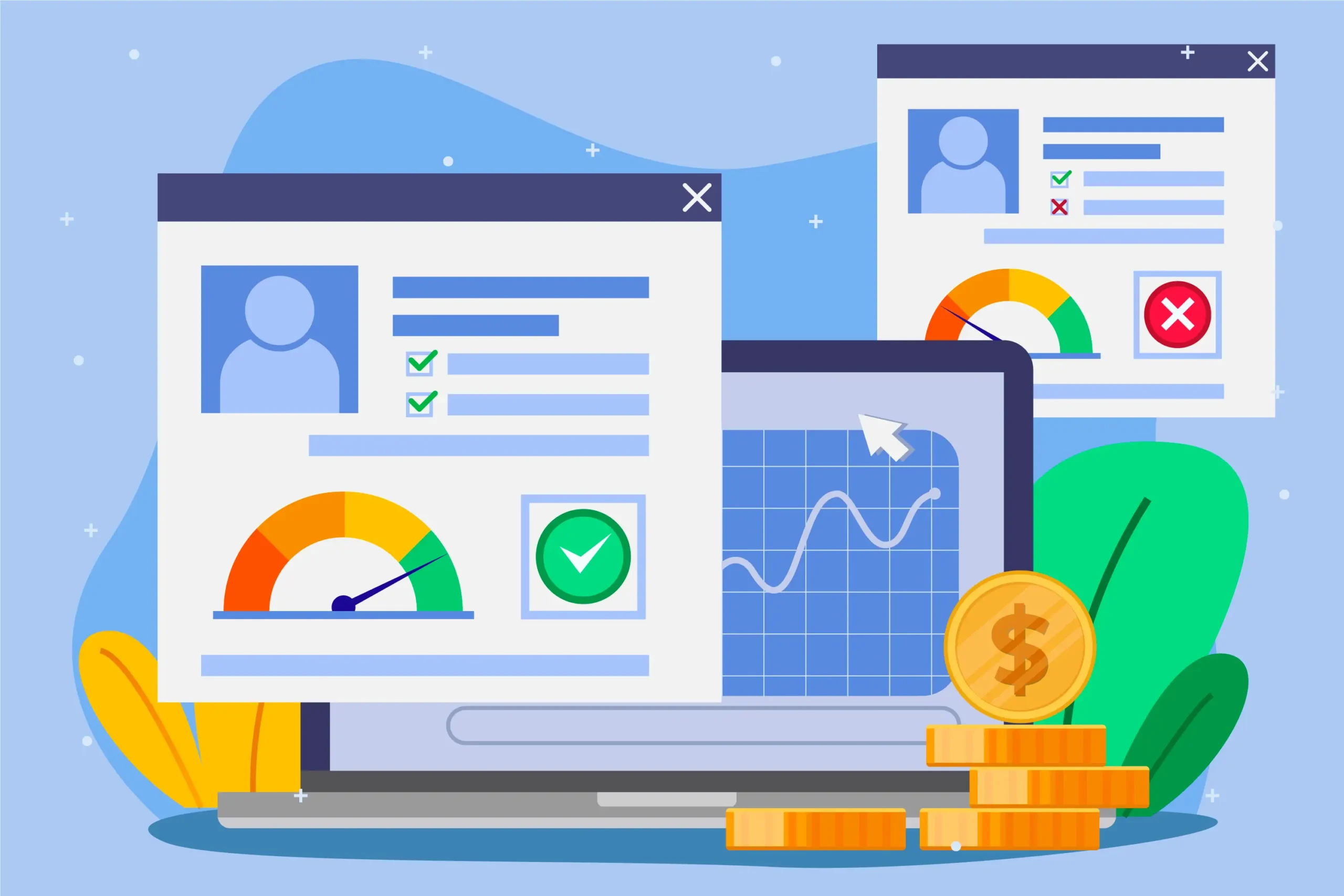
    Strong UI/UX isn’t just about design. It’s about creating a seamless experience that guides users smoothly toward taking action. Even small mistakes in layout, navigation, or performance can cost you valuable conversions. By avoiding common UI/UX errors and focusing on user-centered design, you’ll improve customer satisfaction and boost sales and long-term growth.

    Share This Article:

    Krishnakant Patidar

    Founder & Creative Director

    With a strong background in user experience and interface design, I specialize in creating digital products that are not only visually appealing but also highly functional and focused on conversions. As the Founder of Nextige, my vision is to help businesses grow by designing seamless user journeys and innovative interfaces that solve real problems. My passion lies in combining creativity with strategy, ensuring every design delivers measurable results.

    Frequently Asked Questions About UI/UX Mistakes

    Q1. What are the most common UI/UX mistakes businesses make?

    Some of the biggest mistakes include slow loading speeds, poor mobile responsiveness, cluttered layouts, and confusing navigation. These issues directly affect user satisfaction and conversions.

    Good UI/UX makes it easier for users to browse, find what they need, and complete actions like purchases or sign-ups. This smooth journey reduces drop-offs and increases conversion rates.

    Not always. Many UI/UX issues can be fixed through small improvements like optimizing load times, simplifying forms, or enhancing mobile layouts. A full redesign is only needed if the core design is outdated or unscalable.

    You can run user testing, analyze behavior through heatmaps and analytics, or review conversion funnel drop-offs. Professional audits from a UI/UX team can also highlight hidden issues.

    We don’t just design. We create experiences built to convert. Our approach combines creative design, data-driven insights, and continuous optimization to ensure your website delivers long-term results.

    Inquire Now